Your speed dial
for Firefox
Speed Dial 2 turns every new tab in Firefox into your favorite websites, as visual bookmarks sorted into groups you name. Free on Firefox Add-ons.

A group for everything
Work, reading, the kids' sites. Each bookmark is a tile with a screenshot or logo, and tiles live in groups you create, reorder, and can hide on a computer where they don't belong.


Your Firefox bookmarks, one hover away
Move the mouse to the right edge and the sidebar slides out with your recently closed tabs and your Firefox bookmarks, without leaving the new tab.
Your colors,
your wallpaper
Pick a light or dark theme, a solid color or a photo of your own behind the tiles, and show each site as a screenshot or a logo. Pro adds custom fonts and more themes.

Block the
time sinks
Pick the sites that pull you away and Focus Mode blocks them for a while, or on a schedule with Pro. Turn it on from the header of any new tab. How Focus Mode works
Set it up in Firefox
Three steps. The first is the only one you need; the other two make Firefox feel like home.
Install
Open Speed Dial 2 on Firefox Add-ons, click Add to Firefox, then Add in the prompt. Open a new tab: it's there, with a few starter tiles to replace with your own.
Make it your start page
Firefox keeps the homepage as a separate setting. Bookmark the new tab, then under Settings › Home › Homepage and new windows choose Use Bookmark… and pick it. Watch the steps.
Allow thumbnails
Firefox asks before an extension can screenshot a page. In about:addons, open Speed Dial 2 and allow Access your data for all websites and Run in Private Windows. Used only for thumbnails; details.
Looking for Firefox's own new tab options instead? Read how to change the new tab page in Firefox.
Moving from Fast Dial or FVD Speed Dial
Fast Dial stopped working with Firefox 57 in 2017, when Firefox dropped legacy add-ons. FVD Speed Dial was removed from Firefox Add-ons in November 2021. Speed Dial 2 has been on Firefox Add-ons since 2017.
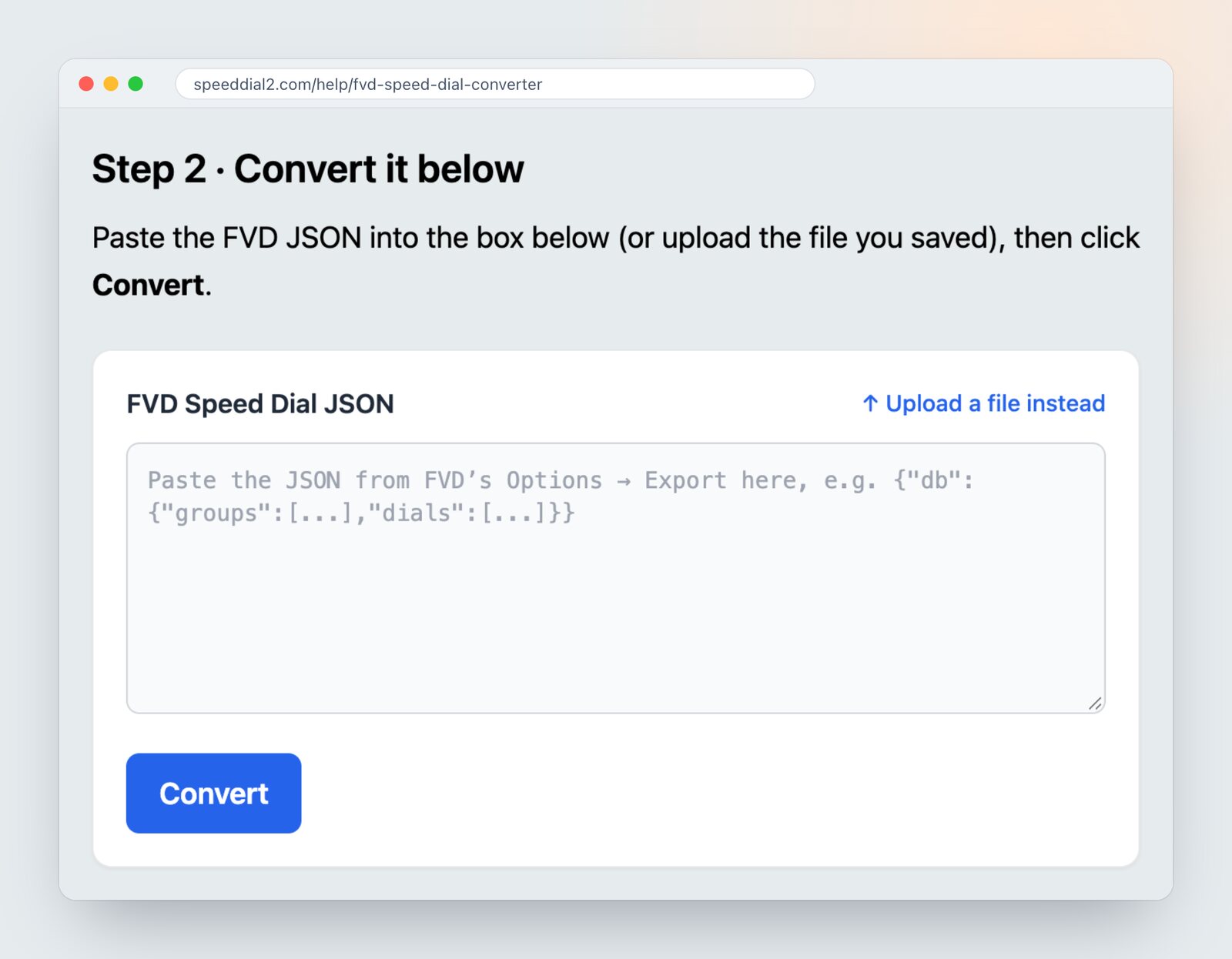
Still have FVD installed? Export your dials from its Options and run the file through our free converter. Your groups come along, and nothing leaves your browser.
Questions, answered
Is Speed Dial 2 for Firefox free?
Does it sync with Chrome or Edge?
Does it replace the Firefox homepage as well as the new tab?
Can I bring over my Fast Dial or FVD Speed Dial bookmarks?
Try it on your next new tab
Speed Dial 2 is free for Firefox, Chrome, Edge and Brave, and has been making new tabs better since 2011.
Add to FirefoxNot on Firefox? Download for Chrome, Edge or Brave
 Speed Dial 2
Radically better new tab page for Google Chrome, Firefox and Microsoft Edge.
 Google Chrome
 Microsoft Edge
 Mozilla
Firefox
 Brave