Guides
The New Tab Page
You open it dozens of times a day. Here is what it is, how to change it in every browser, and how to fix it when it changes by itself.
New tab basics
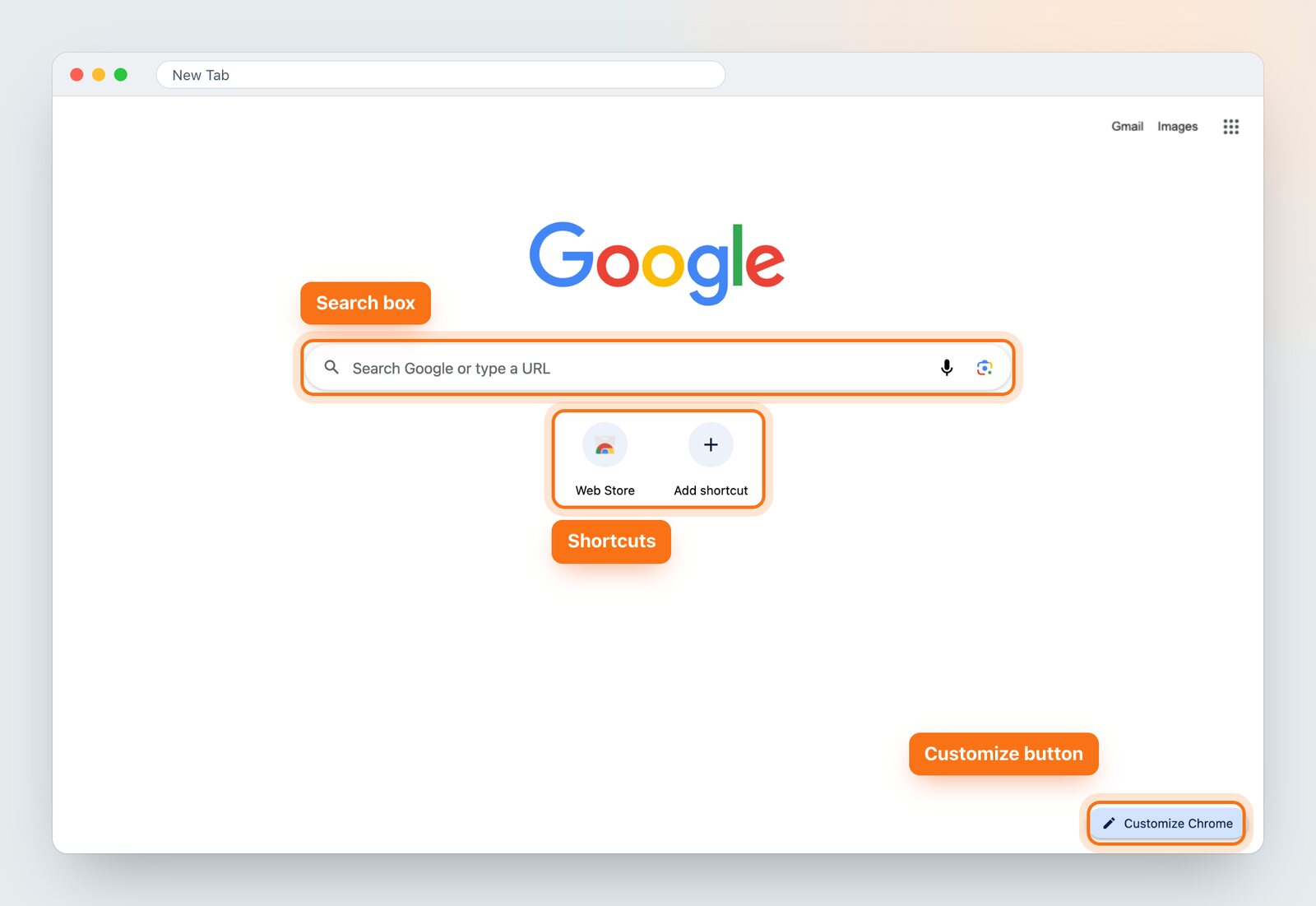
What Is the New Tab Page?
What the new tab page is, what Chrome, Edge and Firefox put on it, and how to make it your own.
Read guide →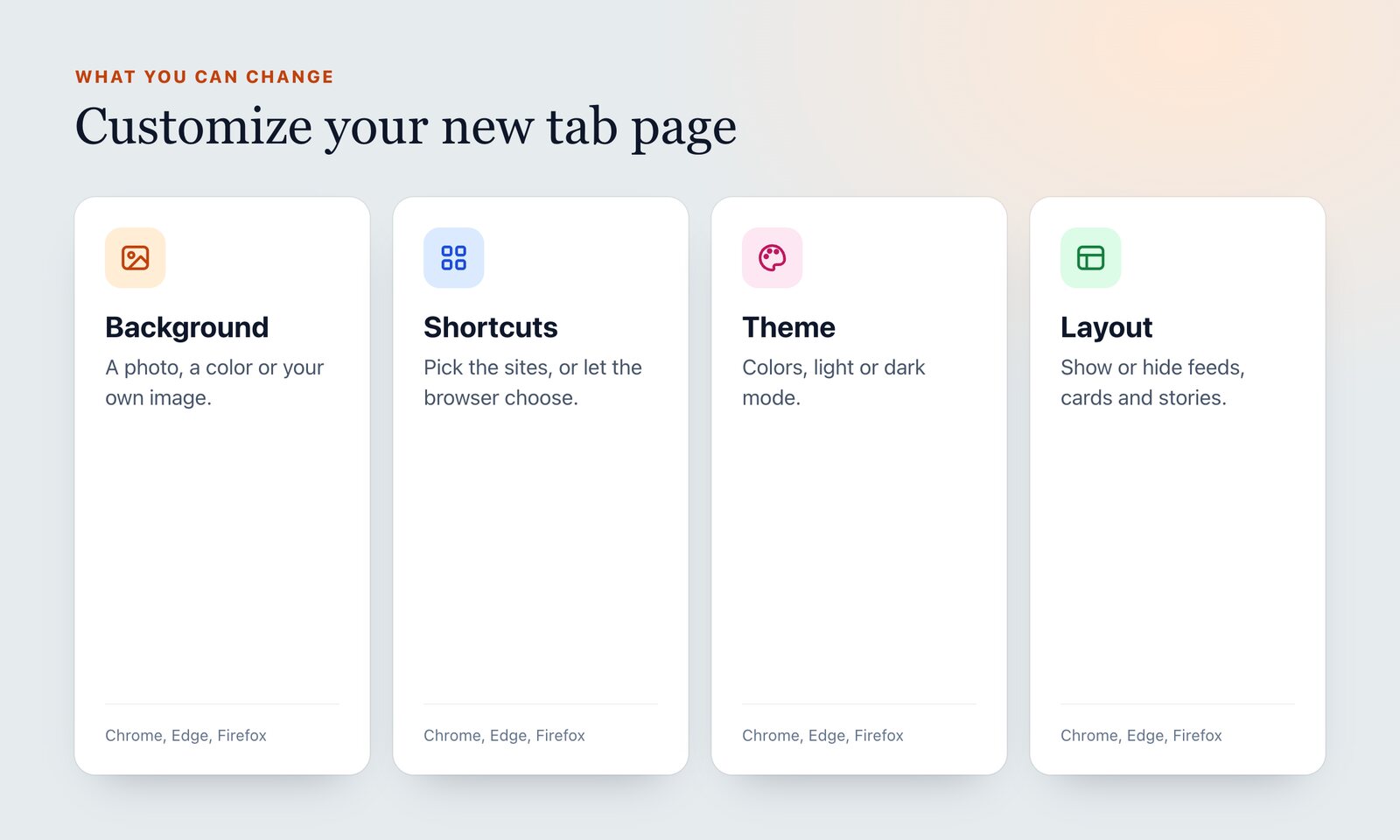
How to Customize Your New Tab Page
Change the background, shortcuts, layout and theme of the new tab page in Chrome, Edge and Firefox, and what to do when the built-in options run out.
Read guide →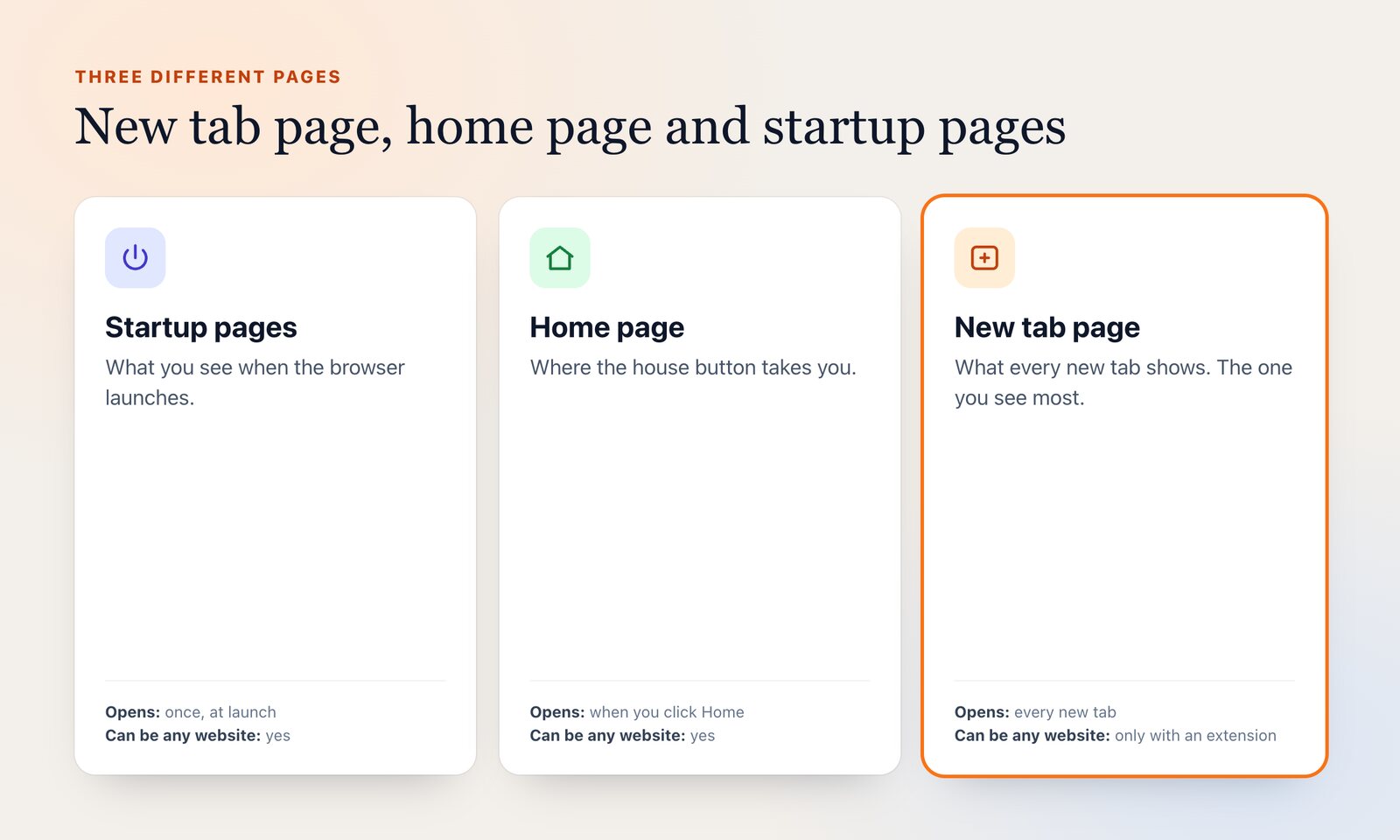
New Tab Page vs Home Page vs Startup Pages
Browsers have three different "start" pages. What each one does, where to change it in Chrome, Edge and Firefox, and which one you actually want.
Read guide →Change it in your browser
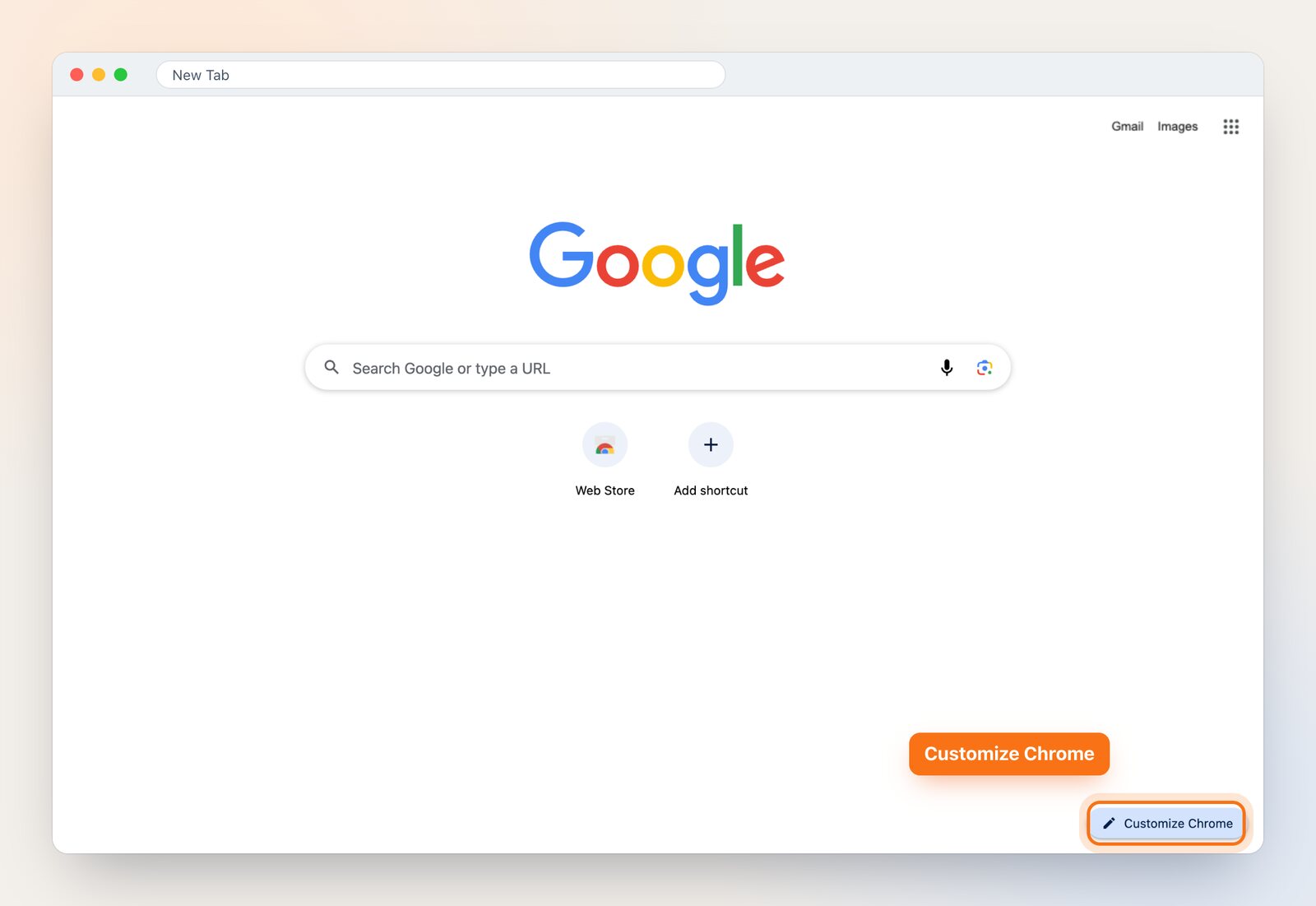
How to Change the New Tab Page in Chrome
Step-by-step: change the background, shortcuts, theme and layout of the Chrome new tab page, set a different page entirely, and fix "an extension controls this setting".
Read guide →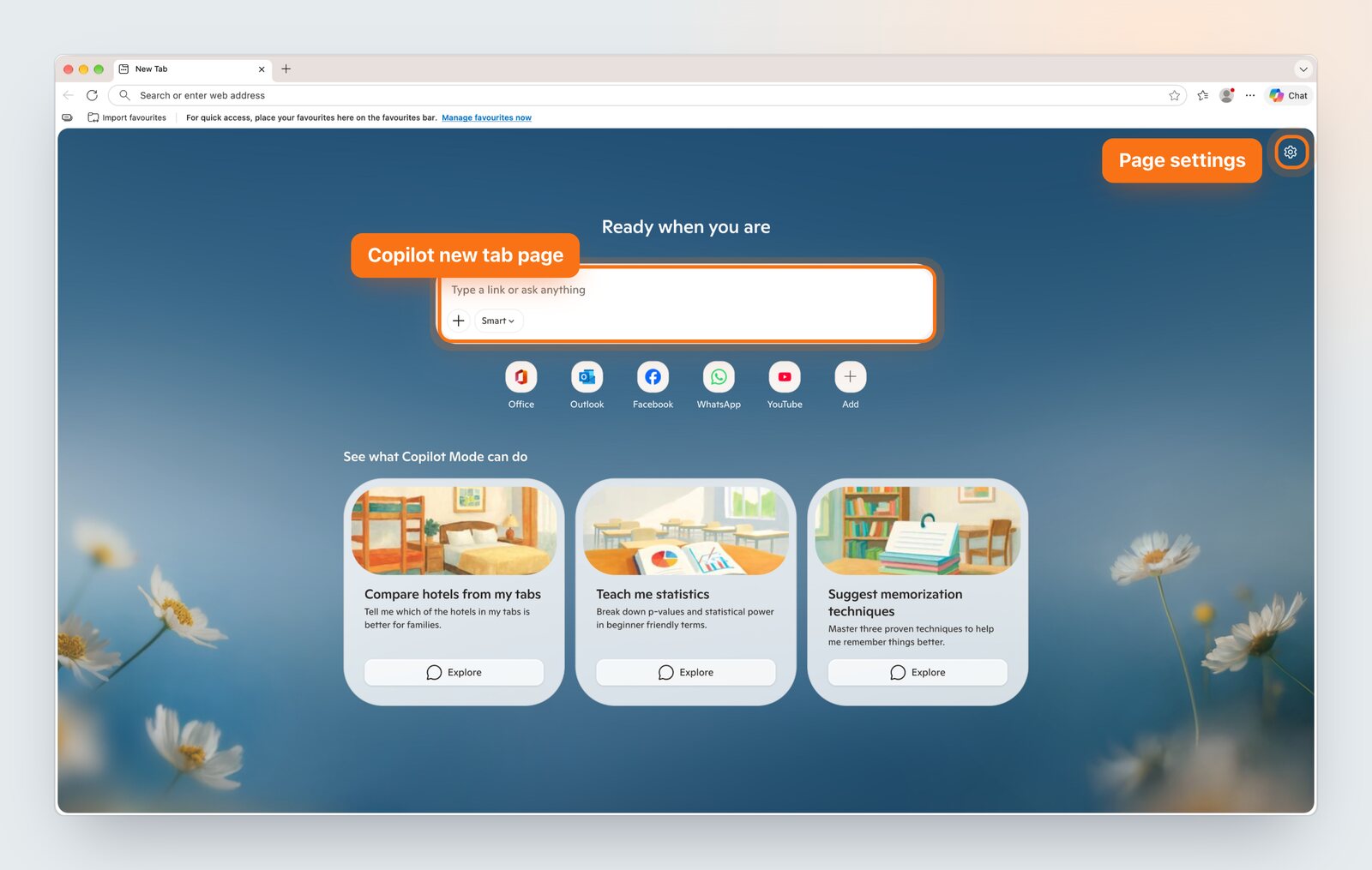
How to Change the New Tab Page in Microsoft Edge
Turn off the news feed, change the layout and background, and replace the Microsoft Edge new tab page with something calmer.
Read guide →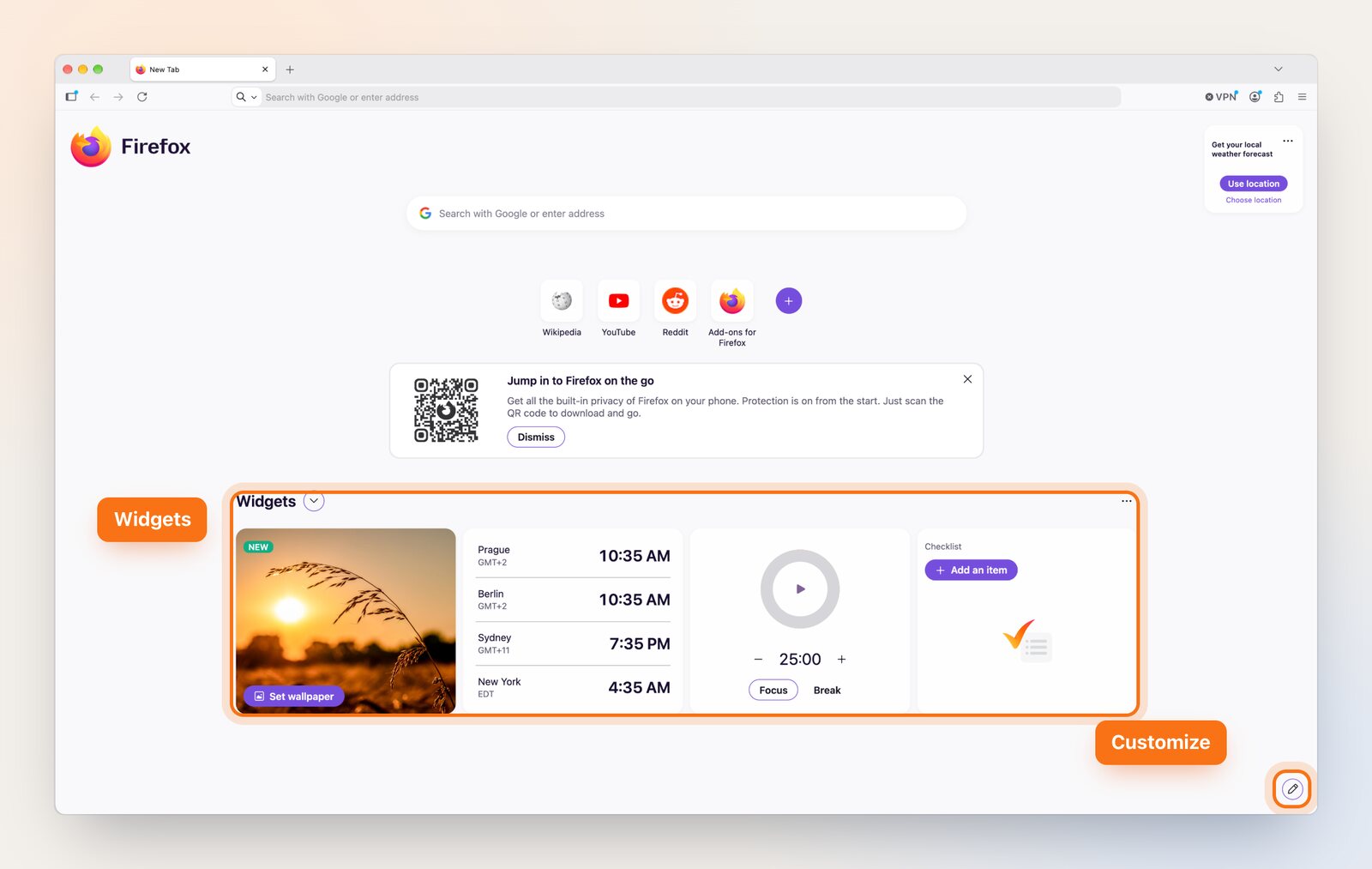
How to Change the New Tab Page in Firefox
Change what Firefox shows on a new tab: shortcuts, stories, wallpapers and the about:config settings behind them, plus how to get a custom page now that the setting is gone.
Read guide →Fixes and how-tos
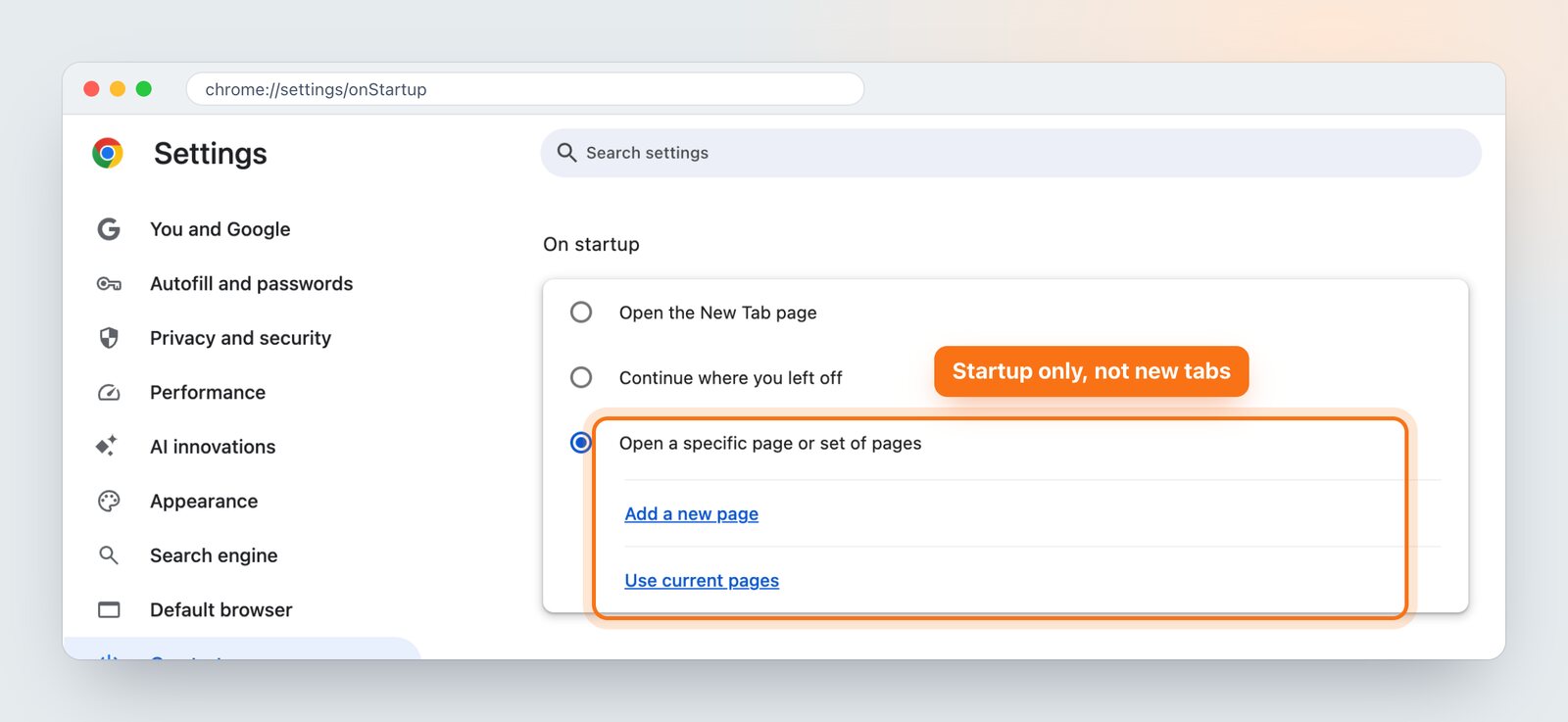
How to Set Any Website as Your New Tab Page
Chrome, Edge and Firefox don't have a setting to open a URL on every new tab. Here is what works in each browser, and when visual bookmarks are the better answer.
Read guide →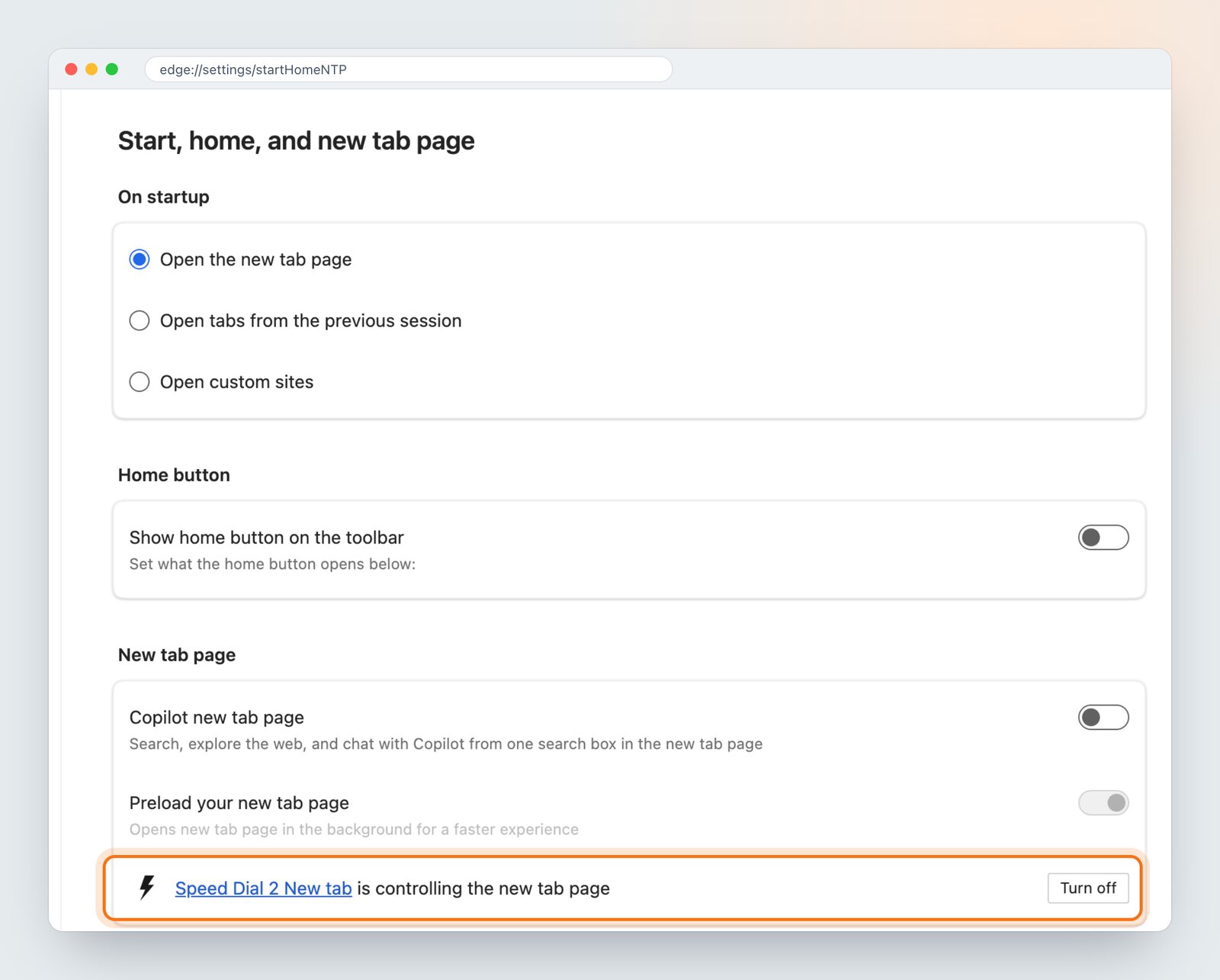
New Tab Page Changed? How to Get Yours Back
Why your new tab page suddenly looks different, how to find the extension or setting that changed it, and how to restore the page you had.
Read guide →New tab extensions
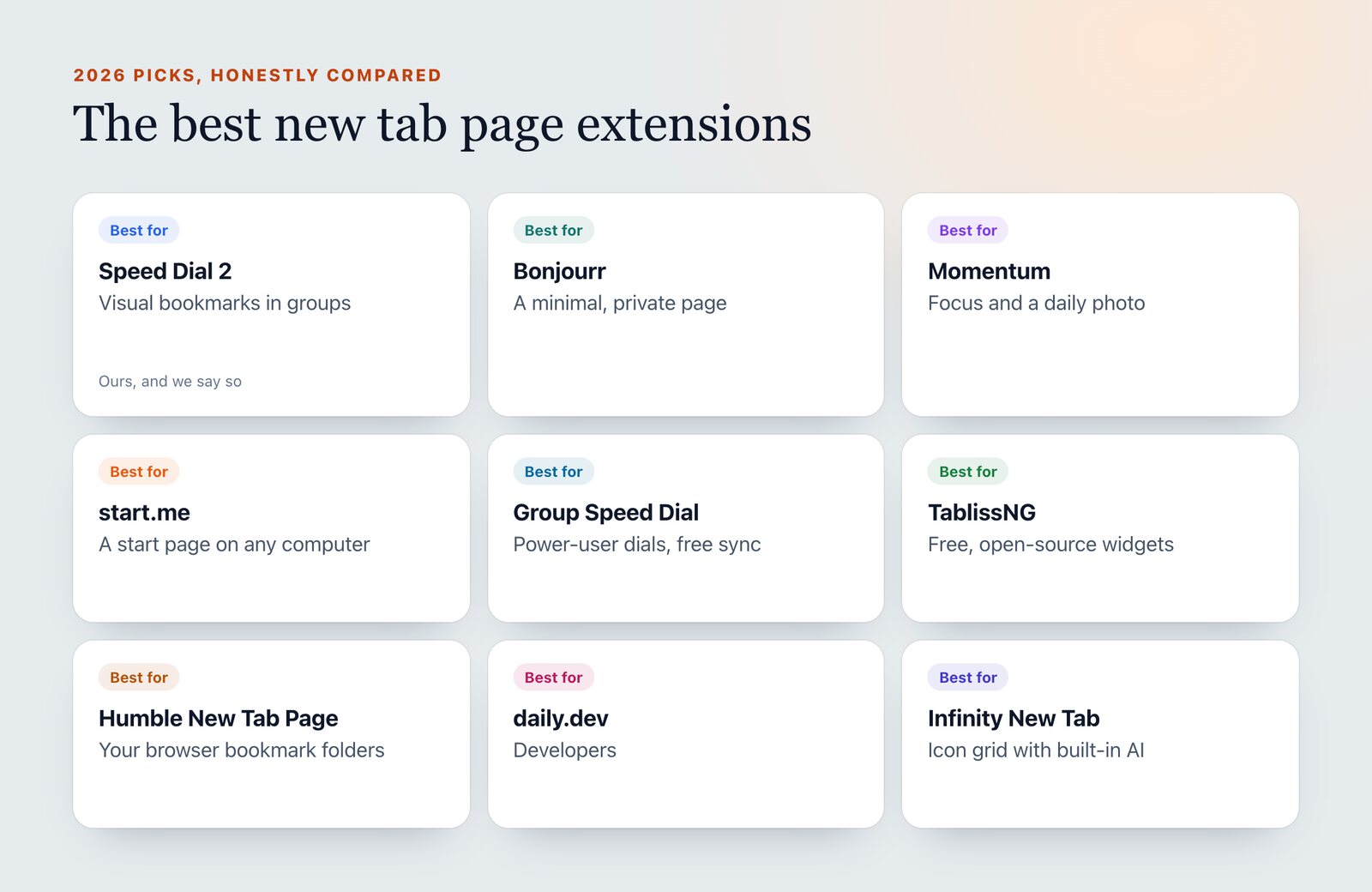
The Best New Tab Page Extensions in 2026
Honest picks for the best new tab extensions in 2026, from visual bookmarks to minimal dashboards and focus tools, including when not to choose ours.
Read guide →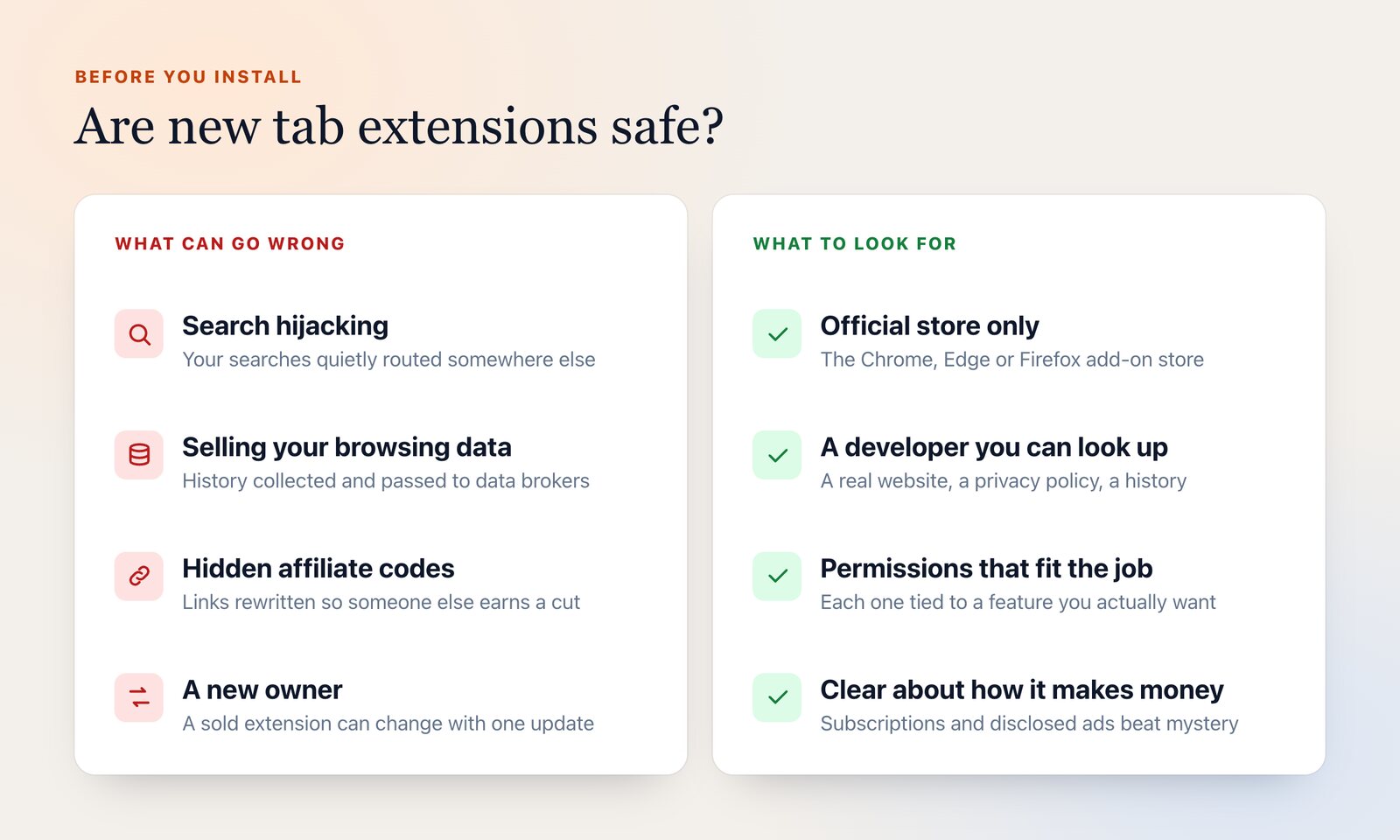
Are New Tab Extensions Safe?
What can go wrong with new tab and other browser extensions, real cases like FVD Speed Dial, and a checklist for picking one you can trust.
Read guide →A new tab page that's actually yours
Browsers give you a search box and a handful of shortcuts. Speed Dial 2 replaces that with your sites as visual bookmarks, organized in groups, with search, widgets and your own background.
- ✓ As many bookmarks as you like, in groups
- ✓ Search that understands "saved this week"
- ✓ Clock, tasks, notes and focus mode
- ✓ Chrome, Edge, Firefox and Brave

New tab page questions
What is the new tab page?
Can I change my new tab page?
Can I open a specific website on every new tab?
My new tab page changed by itself. How do I get it back?
What is the best new tab page extension?
 Speed Dial 2
Radically better new tab page for Google Chrome, Firefox and Microsoft Edge.
 Google Chrome
 Microsoft Edge
 Mozilla
Firefox
Mozilla
Firefox
 Brave
Brave